


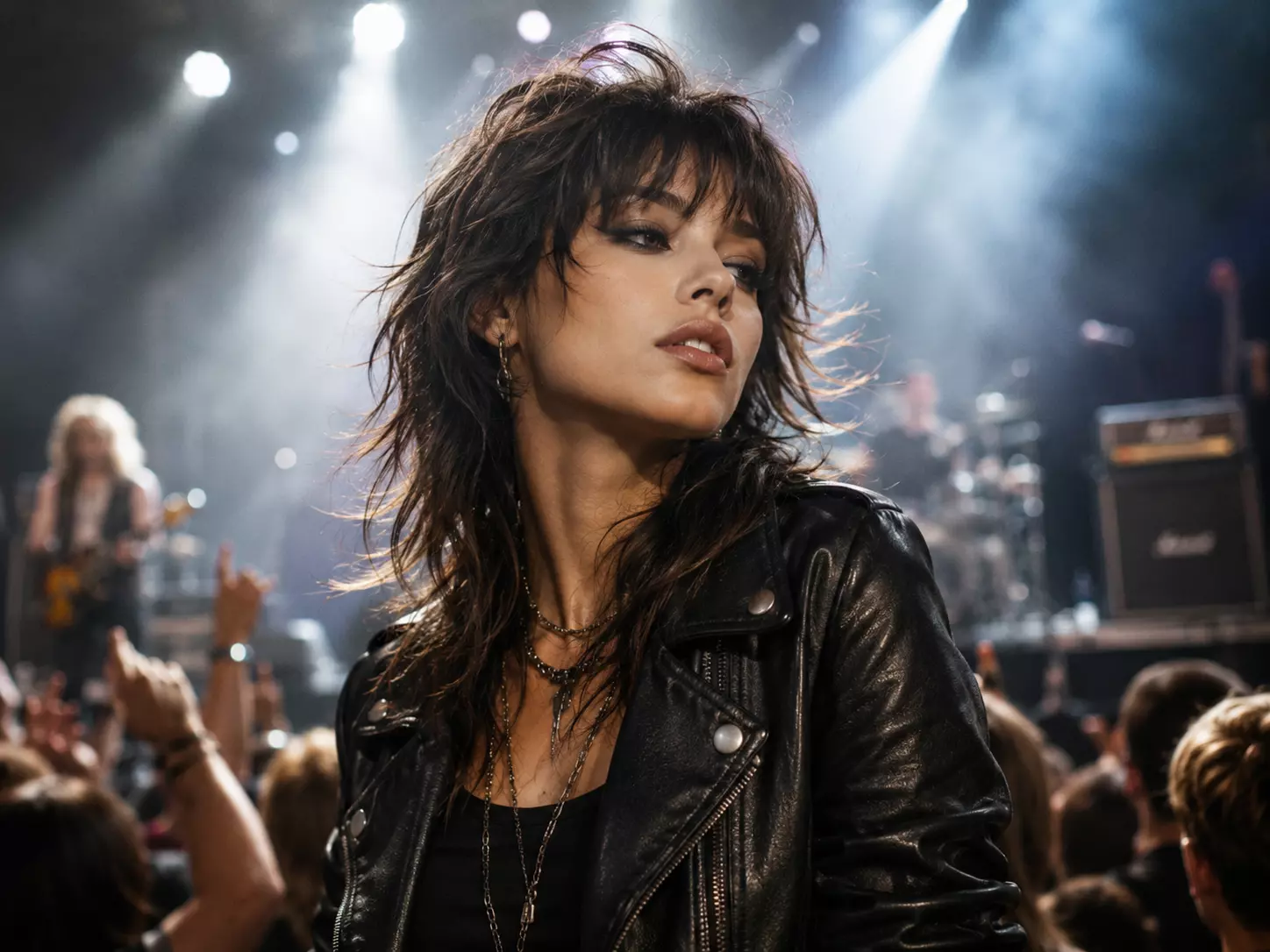
Rock Concert & Edgy Lifestyle
Edgy, rockstar image for concerts.
Instantly preview the modern, layered wolf cut on yourself. Edgy, textured, and full of volume.
Drag and drop your image here or click to select
Supports JPG, JPEG, PNG or WebP up to 20MB
From diverse styles and effects, find the hairstyle that suits you best.
Experience the precision of AI-driven styling. Find the perfect wolf cut for your unique features.
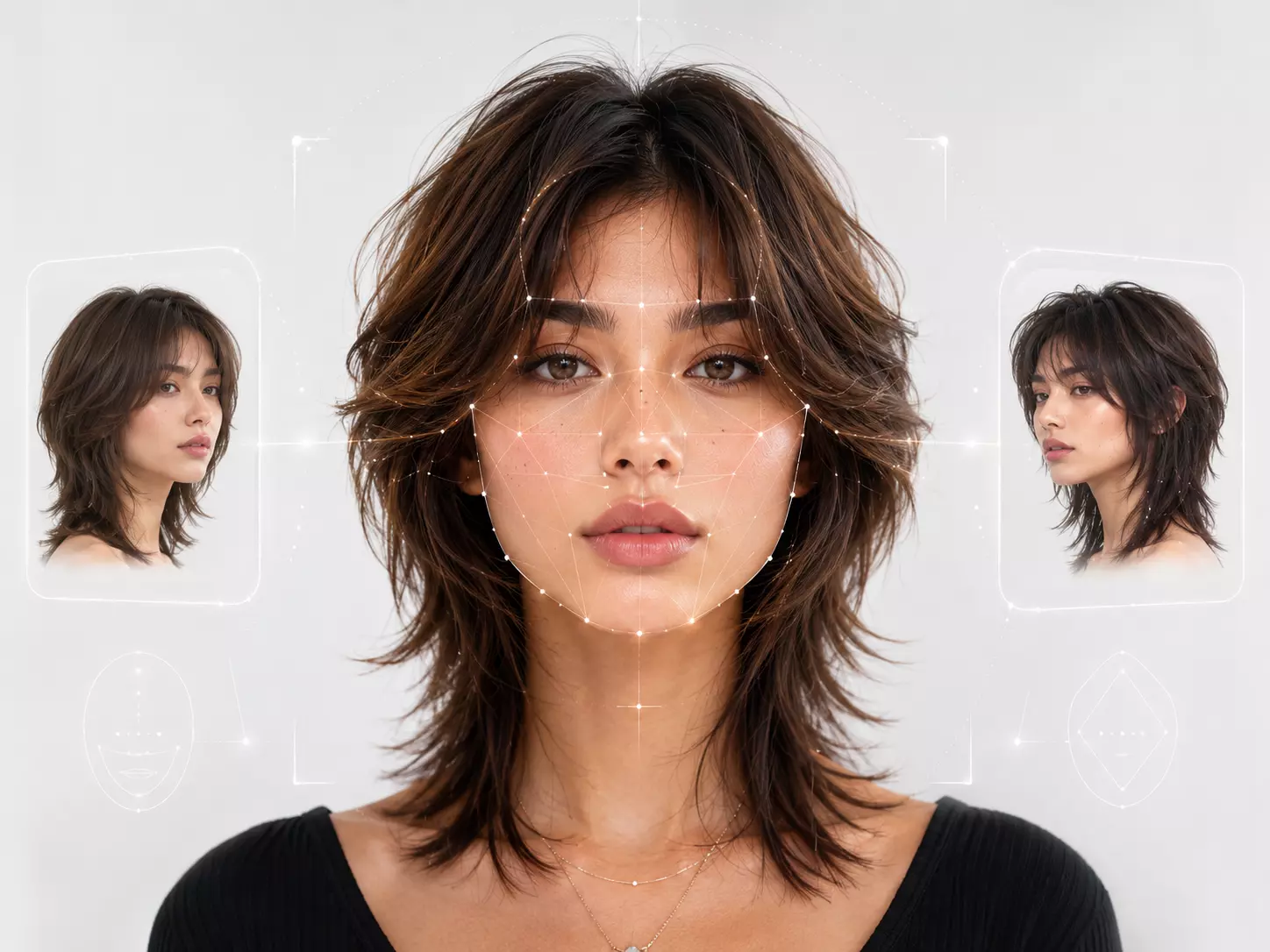
Analyze your face shape to find the perfect shaggy silhouette. Not sure if an edgy shag or a soft wolf cut suits you? Our AI detects proportions to recommend the ideal look.
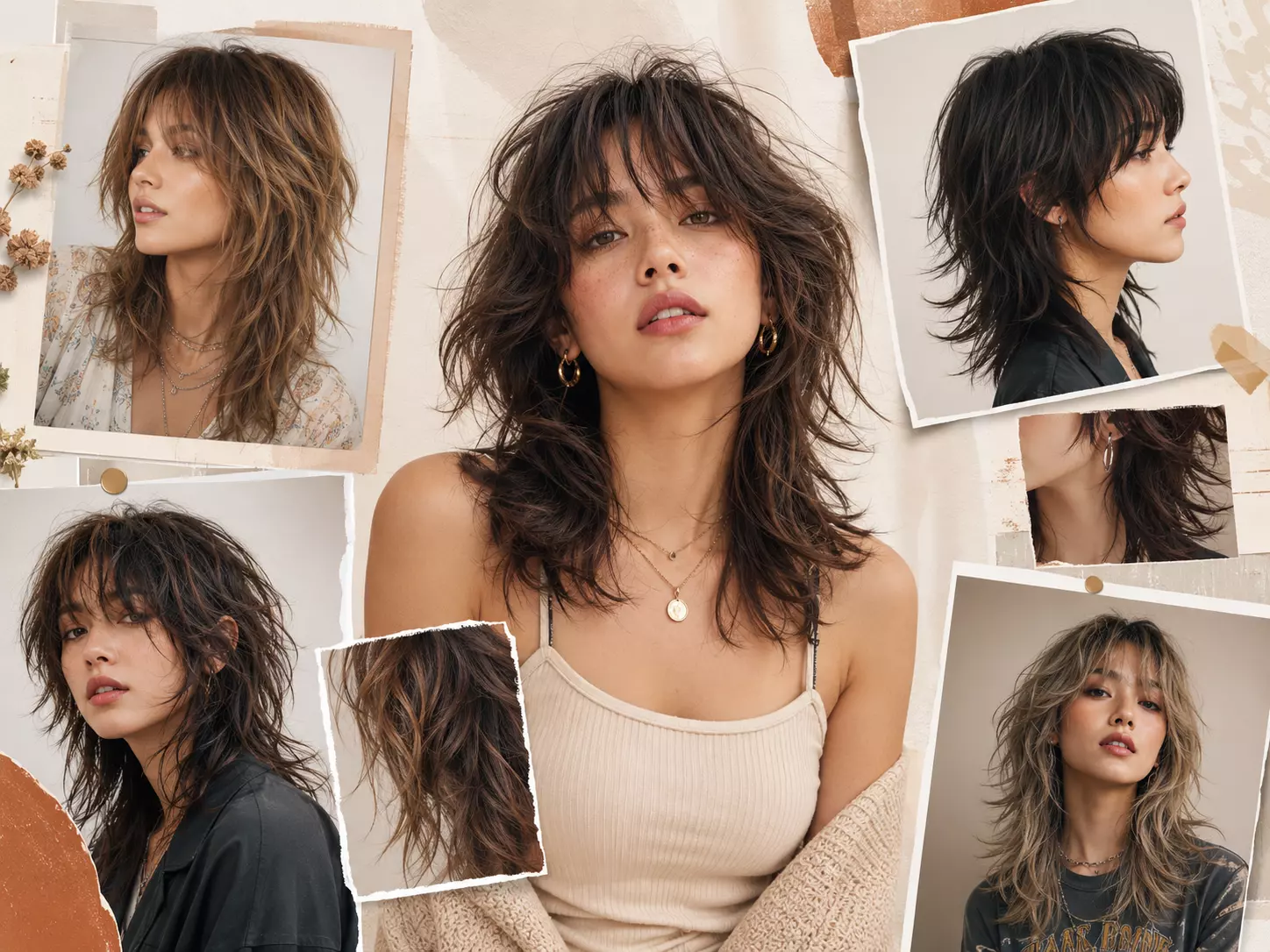
From soft, bohemian layers to jagged rock-and-roll ends, explore countless shaggy options with precise texture simulation.
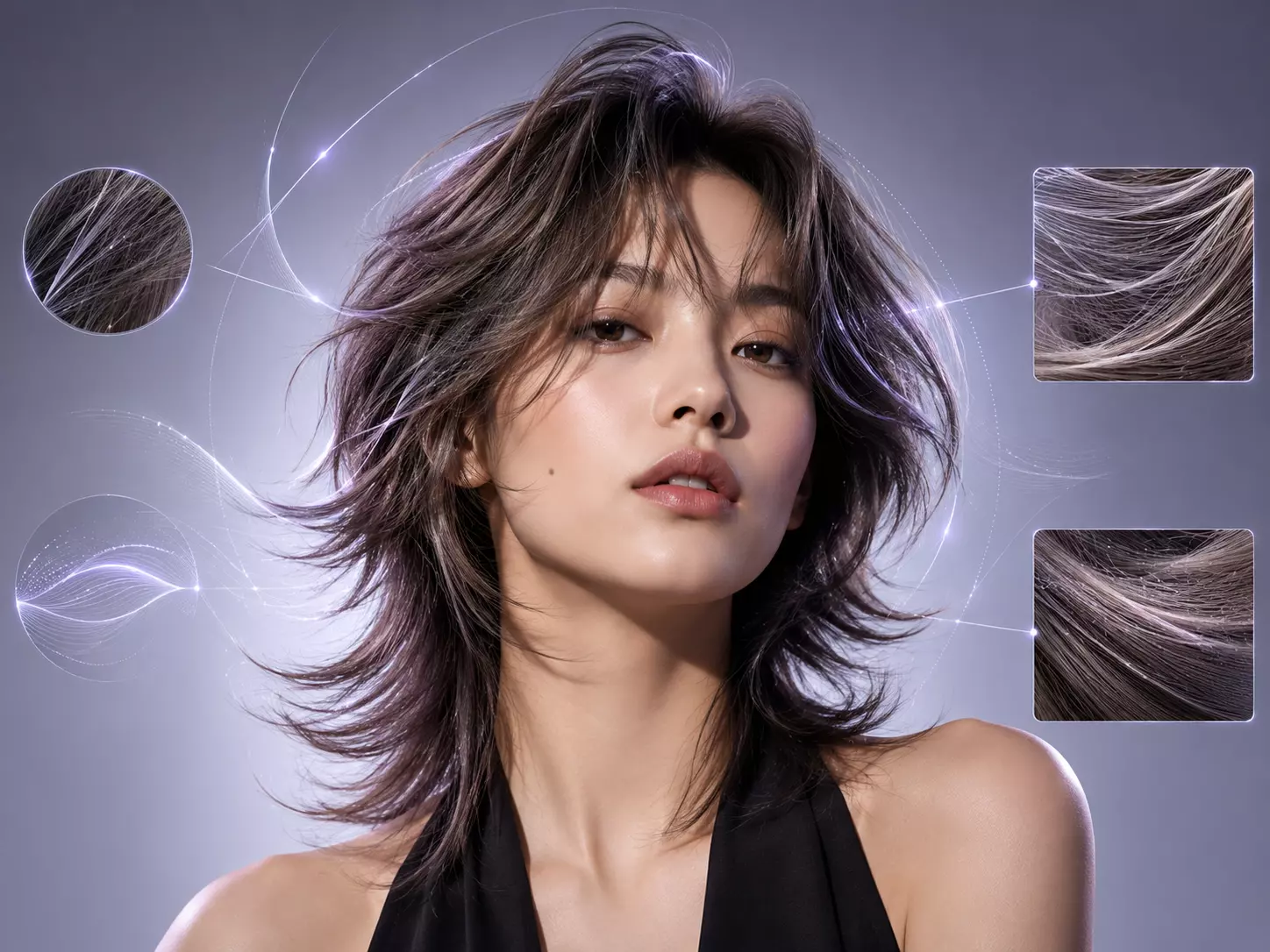
Our advanced AI goes beyond simple overlays, accurately simulating individual hair strands for natural-looking volume and detailed texture that moves with you.

Get a photo-realistic preview to show your stylist exactly what you want. Minimize salon anxiety with a clearer shaggy haircut consultation.
Transform your test in steps and highlight AI's easy try-on simulator for 200+ styles.
Upload a clear front-facing photo with good lighting so the AI can read your face shape, current hairline, and natural hair direction.
Try classic wolf cut, textured wolf cut, or wolf cut with bangs. Adjust layer intensity, volume boost, and bang style to match your look.
Preview your realistic AI wolf cut hairstyle, then download the result to share online or show your stylist before your appointment.
Edgy, rockstar image for concerts.

Trendsetting style for everyday living.
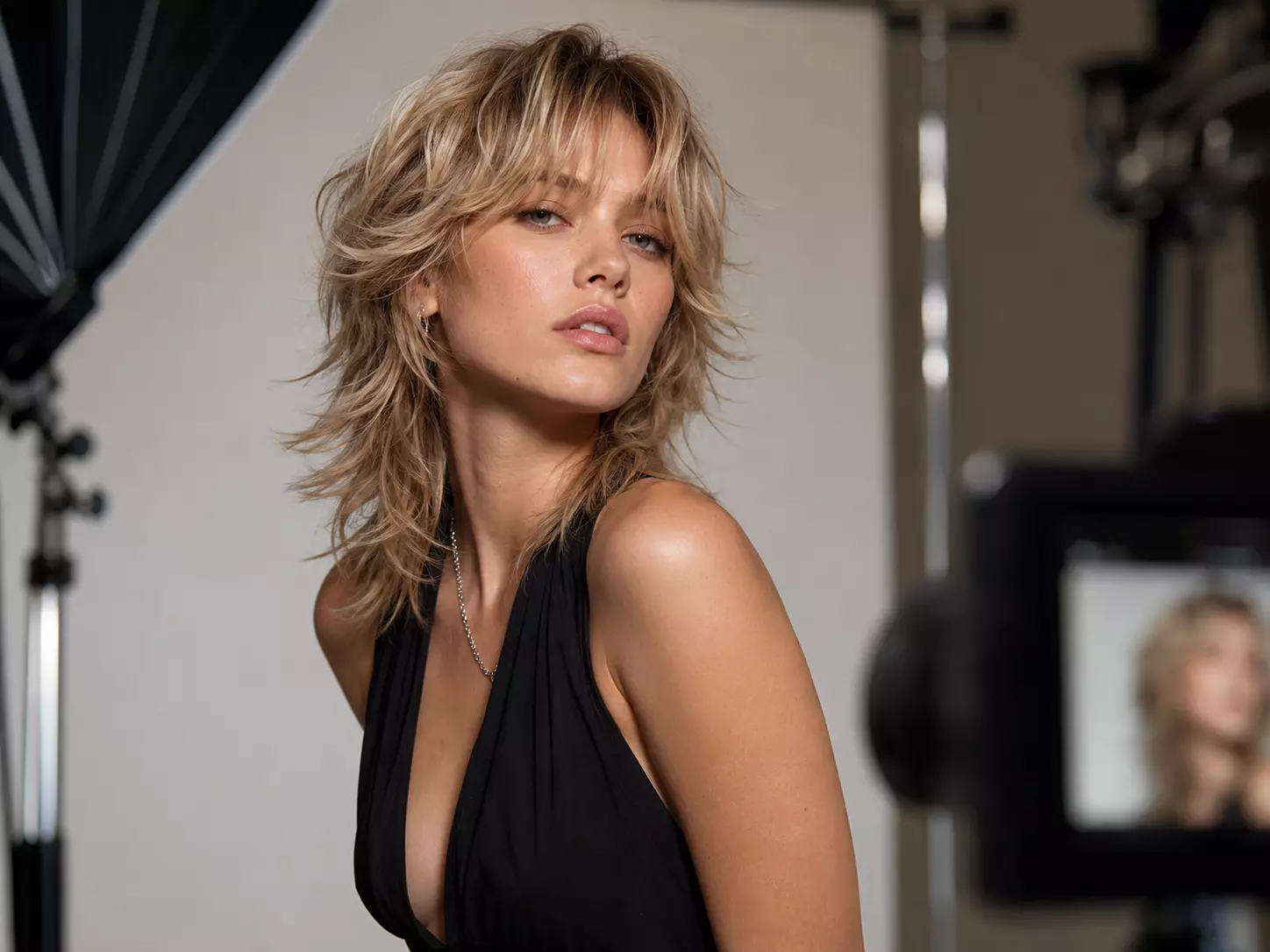
Photo-realistic previews for portfolio.

Express yourself with a unique, edgy vibe.
Everything you need to know about trying realistic wolf cut hairstyles with our AI hairstyle editor.
The AI analyzes your face shape, hairline, and current hairstyle, then generates a layered wolf cut preview with realistic texture, bangs, movement, and volume.
Yes. You can preview classic wolf cuts, textured wolf cuts, wolf cuts with bangs, softer shag-inspired versions, and more dramatic rock-inspired layers.
The preview helps you compare how layered proportions, bangs, and crown volume frame your face so you can choose a wolf cut style that feels balanced.
Yes. Download your favorite preview and show it to your stylist as a clear visual reference for the layers, fringe, texture, and overall shape you want.
Use a bright, front-facing portrait where your face and hair are visible. Avoid heavy shadows, hats, filters, or hair covering too much of your face.
Yes. The wolf cut filter supports styling controls such as smoothness, volume boost, layer height, and bang style for a more personalized preview.
The basic try-on experience is free. Premium options may be available for high-resolution downloads or advanced professional previews.
Most previews are generated in seconds, depending on your connection, photo quality, and selected style.
Yes. The AI can adapt wolf cut layers for short, medium, and longer hair, though clear photos produce the most accurate results.
Your photo is processed for hairstyle preview generation and is not intended to be sold, shared publicly, or used outside the try-on workflow.