
Try On Classic Bob Hairstyles with Our AI Filter
Instantly add sleek, modern bob cuts. Perfect for a timeless, elegant, sophisticated look.
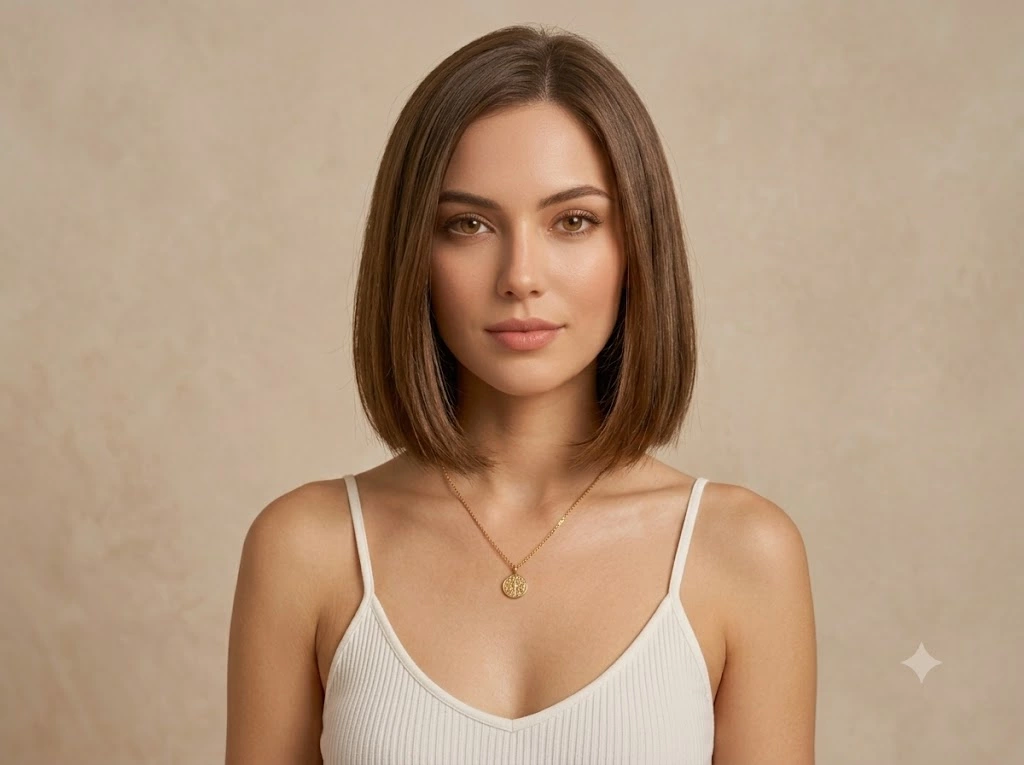
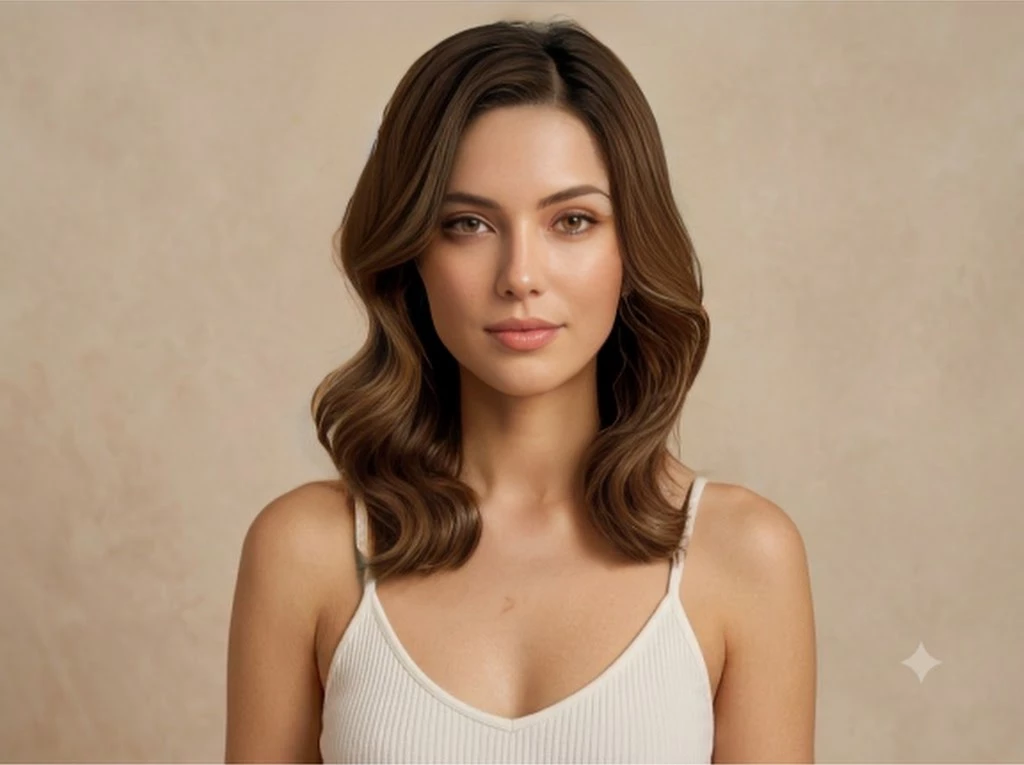
Drag and drop your image here or click to select
Supports JPG, JPEG, PNG or WebP up to 20MB
All Your Need: AI Hair Tools
Explore More Hairstyle Filters
From diverse styles and effects, find the hairstyle that suits you best.
Master Your Look: Bob Filter Deep Dive
Instantly add volume, select deep color and poses. Perfect for an alpha, versatile, modern look!
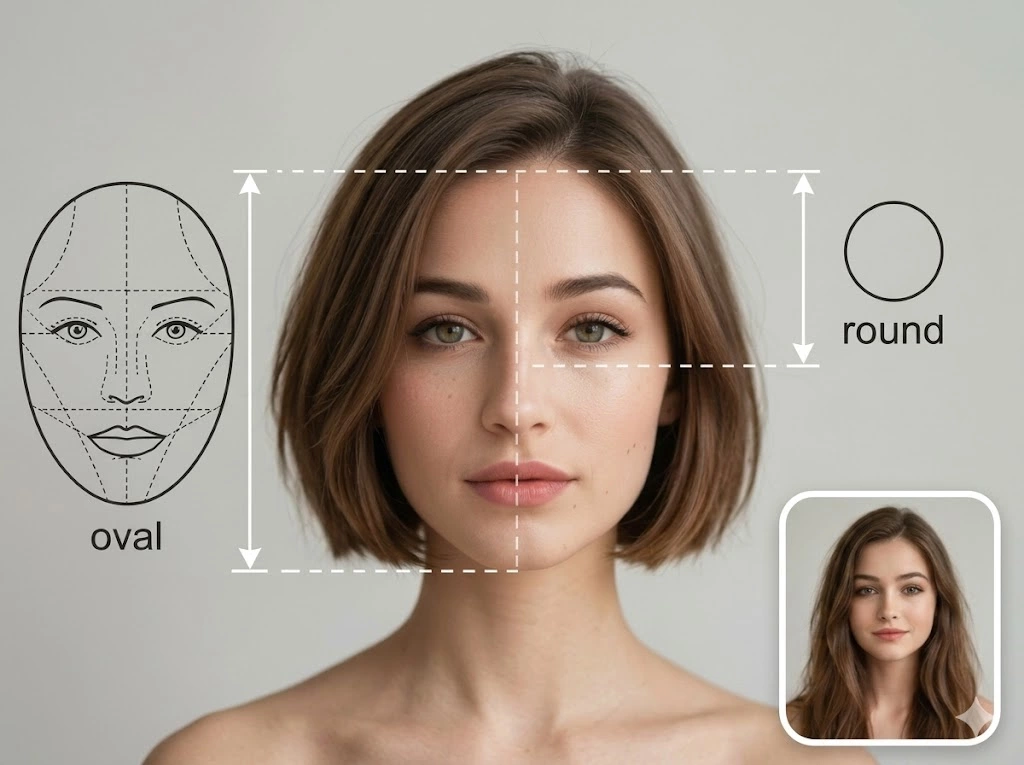
Perfect Face Shape Matching for Bob
Analyze your face shape to find the perfect bob style. Not sure if a sleek, edgy or soft bob suits you? Our AI detects facial proportions to recommend the ideal look.
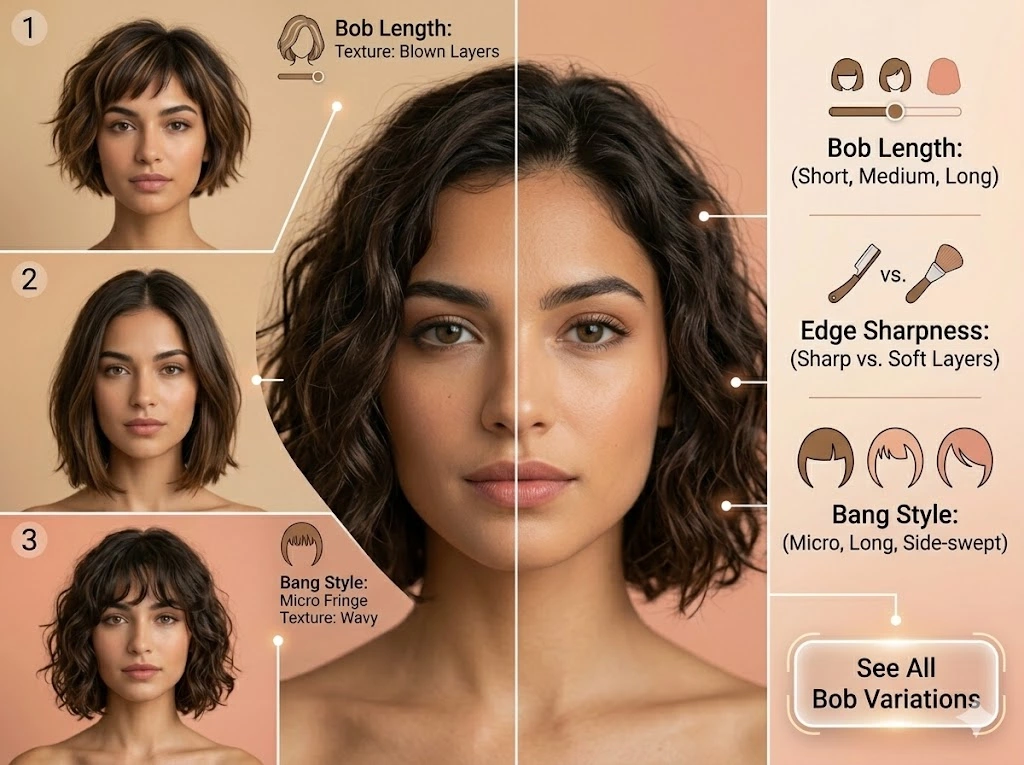
Discover Endless Bob Styles & Textures
From soft, blown layers to sharp, modern edges, explore countless bob variations with precise simulation and styling controls.
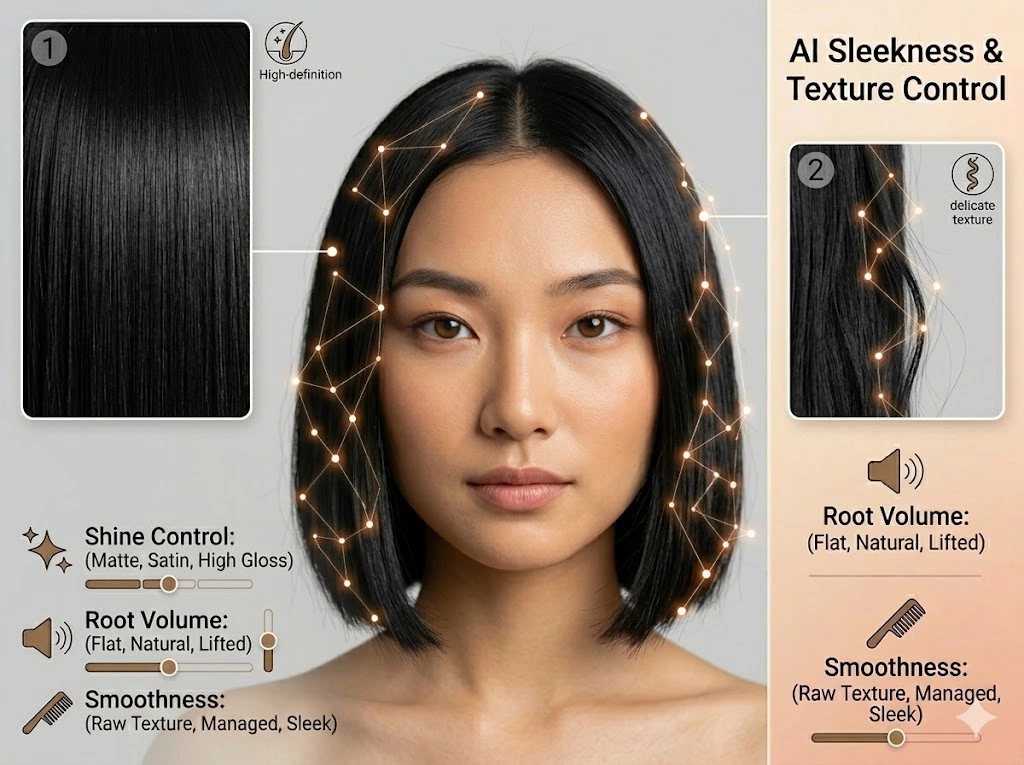
AI Sleekness & Texture Control
Our advanced AI goes beyond simple overlays, simulating individual hair strands for natural-looking volume and delicate texture that moves with you.
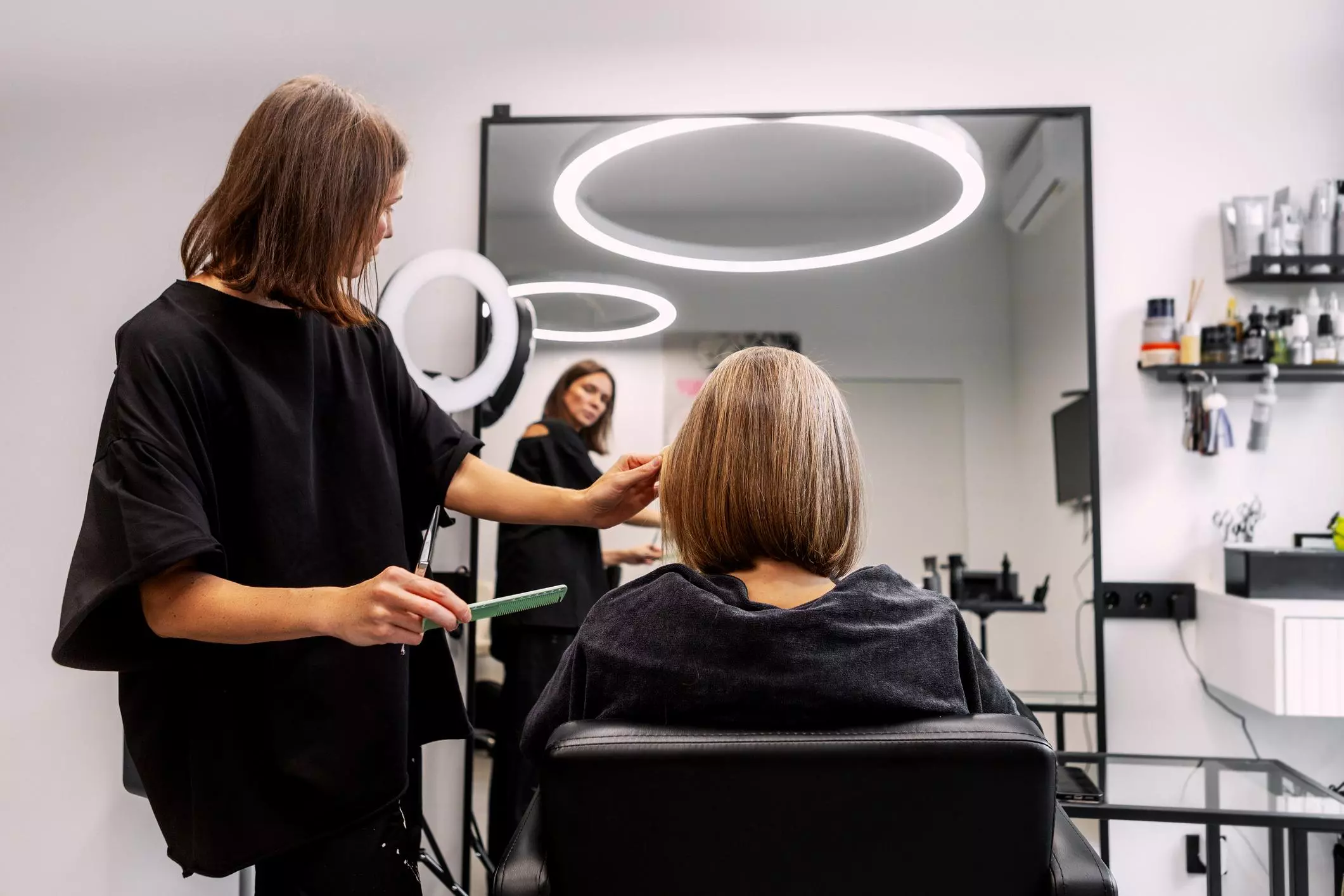
Professional Preview for Salon Consultation
Get a photo-realistic preview to show your stylist exactly what you want. Reduce salon anxiety with a more accurate visual hair consultation.
Explore Popular & Hot AI Tools
How to Use The Free Bob Hairstyle Filter
Upload Your Photo
Upload a clear front-facing photo with good lighting. This helps the AI accurately analyze your face shape and hair details.
Choose a Bob Style & Customize
Explore different bob variations like blunt bob, bob with bangs, or asymmetrical bob. Adjust texture, volume, and shine to match your desired look.
Preview & Download
Preview your realistic AI bob hairstyle and download the high-resolution result to share or show your stylist.
Bob Hairstyle Filter FAQ
Everything you need to know about trying realistic bob hairstyles with our AI hairstyle editor.
How does the AI Bob hairstyle filter work?
The AI analyzes your facial shape, skin tone, and hair features to generate realistic bob hairstyle previews. It simulates hair strands, volume, and texture to show how different bob styles would look on you.
Is the bob hairstyle preview accurate?
Yes. The system uses advanced AI rendering to simulate hair movement, texture, and volume. While it is not a real haircut, it provides a highly realistic visual reference for salon decisions.
Can I try different types of bob hairstyles?
Yes. You can explore multiple variations such as classic blunt bob, long bob (lob), bob with bangs, and asymmetrical bob. Each style can be previewed instantly.
Do I need to upload a photo?
Yes, a front-facing photo works best. The AI uses your facial structure to generate accurate hairstyle previews.
Is the AI Bob filter free to use?
Most basic try-on features are free. Some advanced features like high-resolution previews or professional salon simulation may be part of premium options.
Can I use this for salon consultation?
Yes. Many users use the generated preview to communicate with their hairstylist and reduce uncertainty before getting a haircut.
Does it work for all face shapes?
Yes. The AI is trained to adapt bob styles for different face shapes such as round, oval, square, heart, and long faces.
How fast is the result generated?
The preview is usually generated within 10–20 seconds depending on image quality and selected style.
Can I adjust hair color and texture?
Yes. You can adjust smoothness, shine, volume, and texture for a more personalized result.
Is my photo stored or shared?
User privacy is protected. Uploaded images are only used for generating hairstyle previews and are not shared publicly.